Databases Explained: SQL, NoSQL, and Vector DBs
In the world of software development, databases are the unsung heroes. They are the digital vaults where we store everything from user profiles to complex AI embeddings. But with so many types available—SQL, NoSQL, Vector—it can be overwhelming to choose the right one.
In this guide, we’ll break down how they work, their differences, and when to use which, drawing on examples from real-world projects like my own n8n AI Automation Workflow Atlas.
What is a Database?
At its core, a database is an organized collection of data. Think of it as a high-tech filing cabinet.
- Spreadsheet: Good for a quick list, but hard to manage as it grows.
- Database: Designed for scale, speed, and security.
The Three Main Players
1. Relational Databases (SQL)
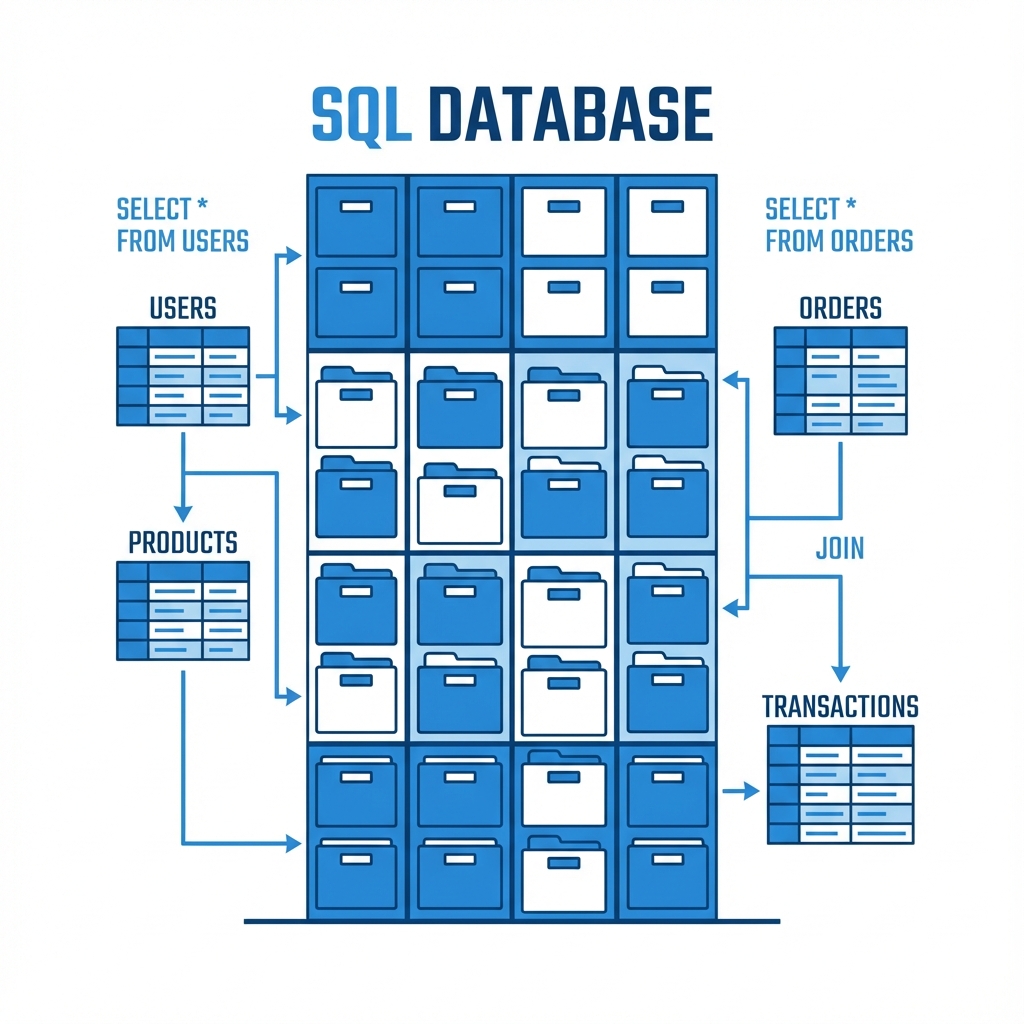 SQL (Structured Query Language) databases are like strict accountants. They store data in tables with rows and columns. Every piece of data must fit a defined structure (schema).
Best for: Financial systems, user accounts, inventory management where consistency is key.
Popular Options:
- PostgreSQL: The open-source powerhouse.
- MySQL: The web standard.
- SQLite: Lightweight, great for mobile apps.
erDiagram
    USER {
        int id PK
        string username
        string email
    }
    ORDER {
        int id PK
        int user_id FK
        float amount
    }
    USER ||--o{ ORDER : places
2. NoSQL Databases
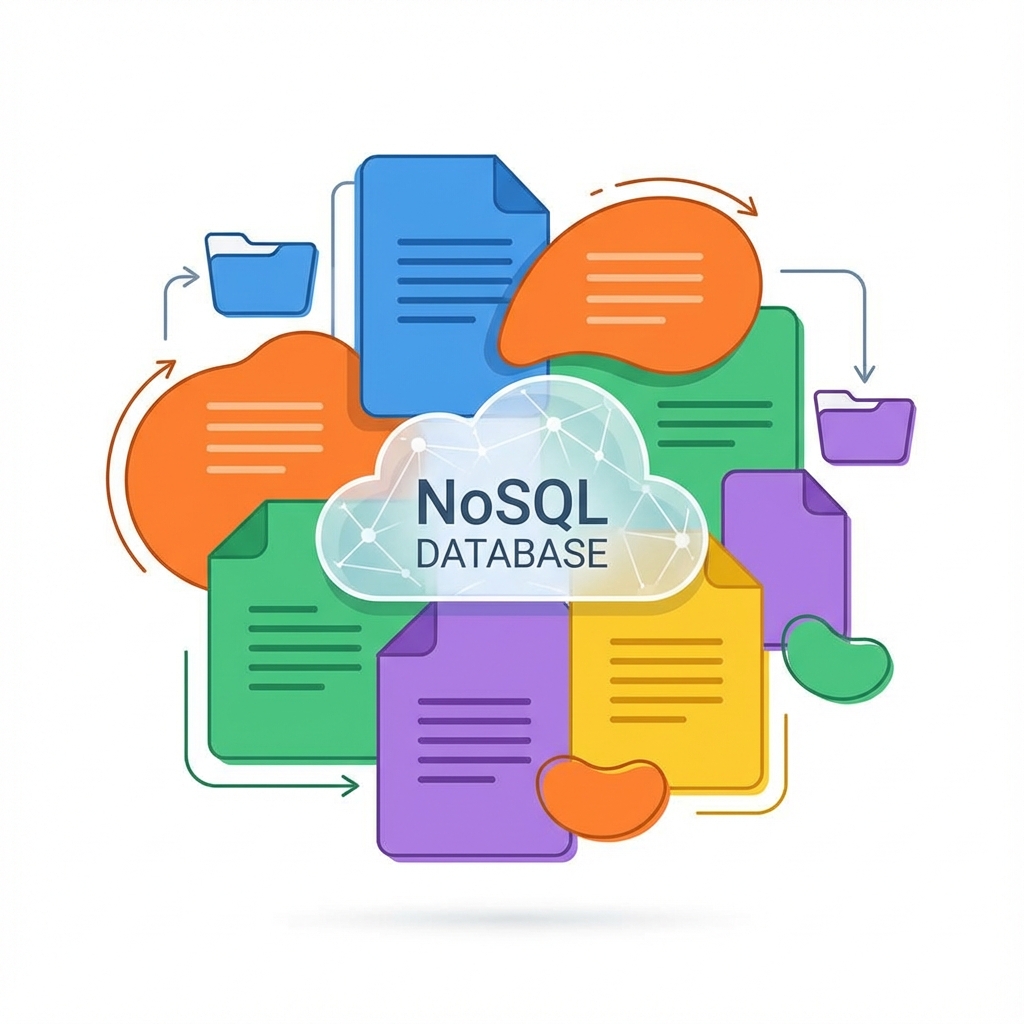 NoSQL databases are the creative artists. They are flexible and don’t require a rigid schema. Data is often stored as documents (JSON-like), key-value pairs, or graphs.
Best for: Content management systems, real-time big data, flexible product catalogs.
Popular Options:
- MongoDB: The most popular document store.
- Redis: Blazing fast key-value store (often used for caching).
- Cassandra: Great for massive scale.
graph LR
    A[User Document] --> B{Attributes}
    B --> C[Name: "Ker102"]
    B --> D[Skills: ["AI", "Automation", "Dev"]]
    B --> E[Projects: { "n8n-atlas": "..." }]
3. Vector Databases (The AI Era)
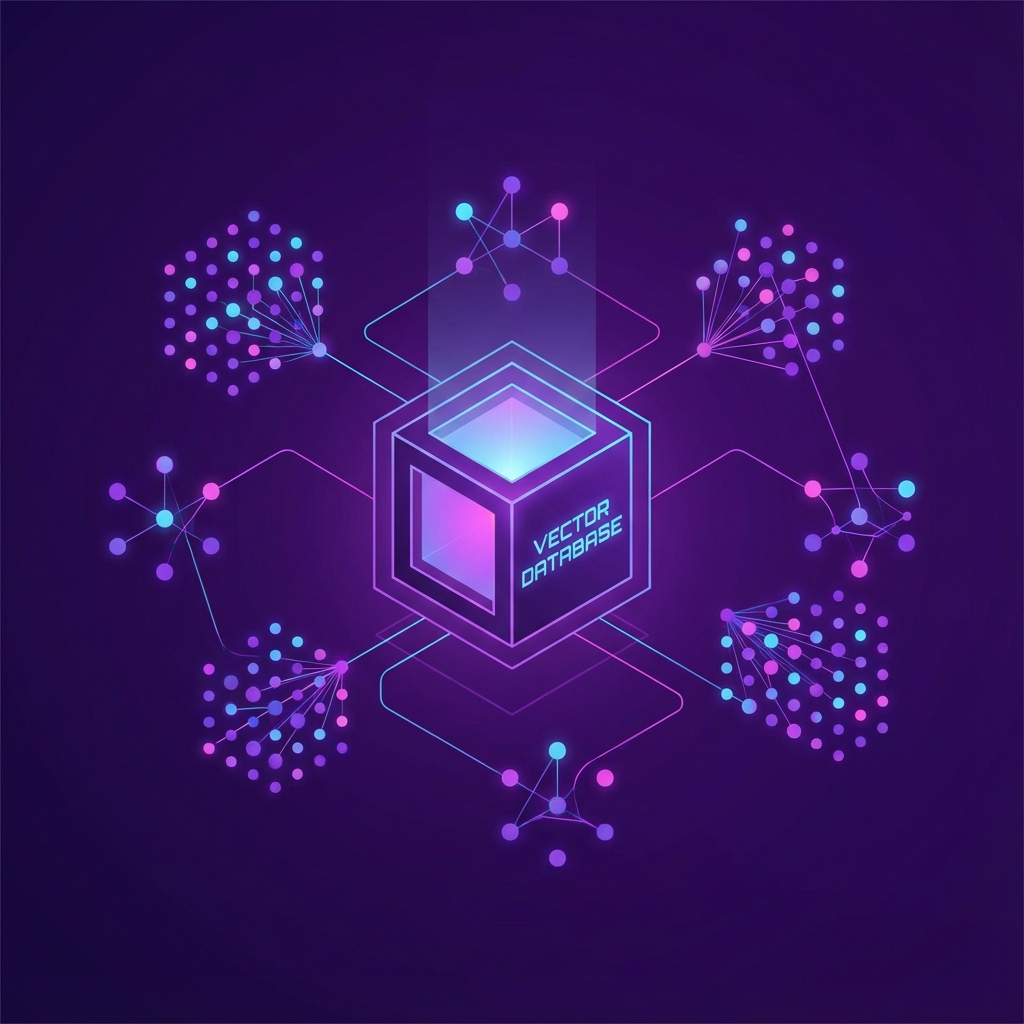 This is where things get exciting. Vector databases don’t just store text; they store meaning. They convert data (text, images, audio) into high-dimensional vectors (lists of numbers).
When you search a vector DB, you aren’t looking for an exact keyword match. You are looking for semantic similarity.
Best for: AI applications, Semantic Search, Recommendation Systems, RAG (Retrieval Augmented Generation).
Popular Options:
- Pinecone: Managed vector database (used in my projects).
- Weaviate: Open-source vector search engine.
- Chroma: AI-native open-source embedding database.
Visualizing the Difference
Here is how different databases might “see” a query for “Apple”:
| Database Type | Query Logic | Result |
|---|---|---|
| SQL | SELECT * FROM fruits WHERE name = 'Apple' | Returns row with exact name “Apple”. |
| NoSQL | db.fruits.find({ name: "Apple" }) | Returns document for “Apple”. |
| Vector | search("Apple") | Returns “Apple”, “iPhone”, “Fruit”, “Pie” (concepts related to Apple). |
Real-World Use Case: n8n AI Automation Atlas
In my project, n8n-ai-automation-workflow-atlas, I extensively use Pinecone, a vector database.
Why Vector DB for this project?
The atlas contains thousands of workflows. A simple keyword search might fail if a user searches for “chatbot” but the workflow is named “conversational agent”.
By using Pinecone for RAG (Retrieval Augmented Generation):
- We convert the user’s query (“I want to build a support bot”) into a vector.
- We search Pinecone for workflows with similar meaning.
- We retrieve the relevant workflow templates, even if they don’t share the exact same words.
sequenceDiagram
    participant User
    participant AI_Agent
    participant VectorDB as Pinecone
    participant LLM

    User->>AI_Agent: "Help me automate invoices"
    AI_Agent->>VectorDB: Search for "invoice automation" vectors
    VectorDB-->>AI_Agent: Returns relevant workflow IDs
    AI_Agent->>LLM: Generate response using these workflows
    LLM-->>User: "Here are 3 workflows for invoice processing..."
Summary: Which one to choose?
- Choose SQL if your data has a strict structure and relationships (e.g., an e-commerce store).
- Choose NoSQL if your data is unstructured or changing rapidly (e.g., a social media feed).
- Choose Vector if you are building AI applications that need to understand context and meaning (e.g., a semantic search engine or chatbot).
Databases are the backbone of modern software. Whether you are storing simple logs or complex AI embeddings, there is a specialized tool for the job.