The 10-Second Barrier: My Quest for Professional AI Video Generation
I’ve been on a mission to find the best tools for generating professional marketing videos using the latest AI models. With heavyweights like OpenAI’s Sora and Google’s Veo hitting the market, you’d think we’d be in a golden age of limitless video creation.
But after extensive testing, I’ve hit a frustrating reality: The 10-Second Barrier.
The Problem: Short Attention Spans (Literally)
Whether you’re using Sora or Veo, you are generally capped at generating videos of just 8 to 10 seconds.
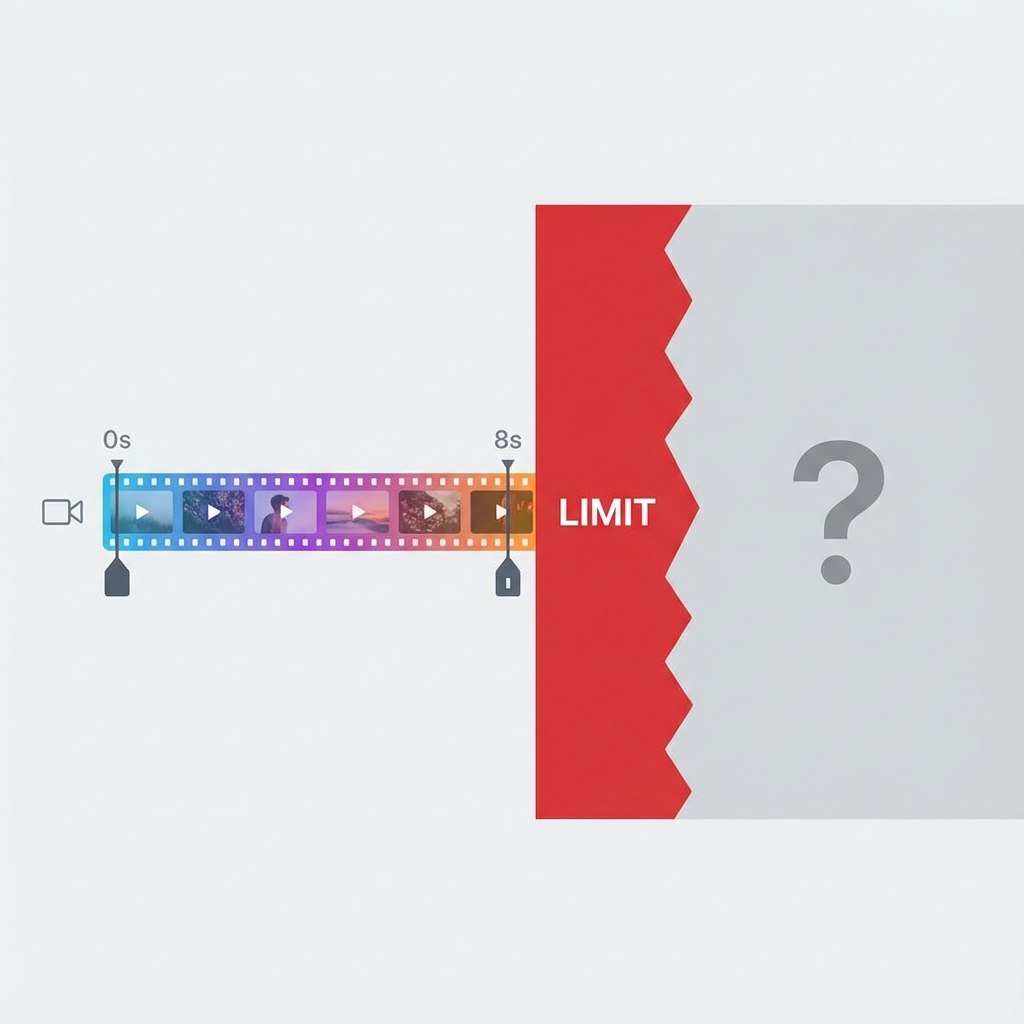
For a TikTok clip, that might be fine. For professional marketing? It’s a nightmare. The biggest challenge isn’t just the length—it’s the difficulty of seamlessly extending or transitioning from one generation to another without the quality falling apart.
The Platform Gauntlet
I tested Google’s Veo models across every available interface to find a workaround. Here is what I found:
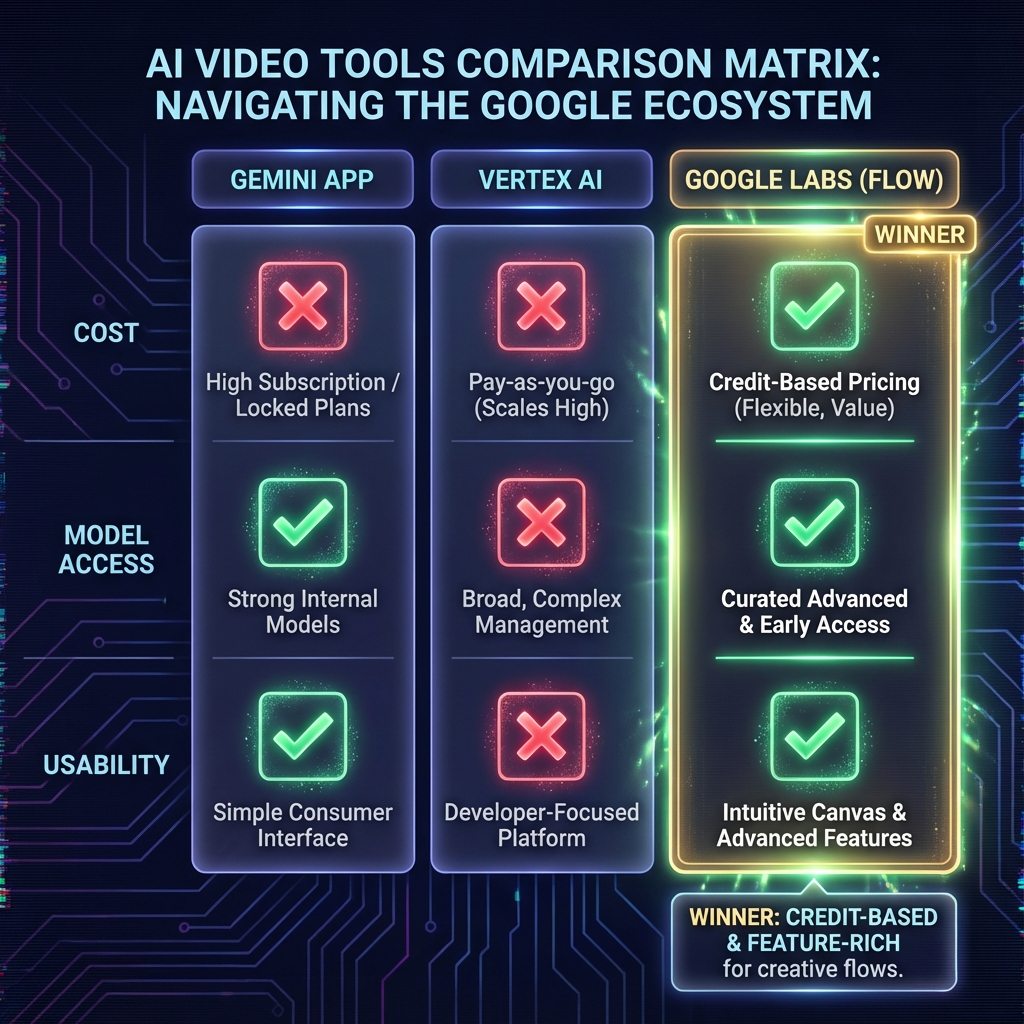
1. The Gemini App
Verdict: Avoid for professional work. It’s great for quick, fun experiments, but it strictly enforces the 8-second limit. There are no advanced controls for extension or editing.
2. Google AI Studio
Verdict: Currently broken. As of today, the model preview environment seems buggy. I found myself stuck with the older Veo 2.0 model unless I built a custom app using the Veo 3.1 preview API. It’s not a ready-to-use creative studio.
3. Vertex AI (Model Garden)
Verdict: Powerful but expensive. Vertex AI offers more control, but it requires using your Google Cloud API key.
- Cost: It gets extremely expensive very quickly if you’re iterating on multiple videos.
- Bugs: I encountered output errors when trying to use the “Extend Video” feature.
- Limitations: Surprisingly, you are often limited to extending videos only with the older Veo 2.0 model, which doesn’t even generate audio.
The Solution: Google Labs (Flow)
After hitting dead ends everywhere else, I finally arrived at a conclusion. The most effective environment right now is Google Labs Flow.
Why It Wins
Instead of burning through your API key, Flow uses a credit system (based on your Google AI subscription).
- Newest Models: It gives you access to the latest Veo capabilities.
- “Jump To” Feature: This is basically a more efficient way to extend videos, allowing you to navigate to a specific frame and generate the next segment.
- Reasonable Pricing: The credit usage feels fair compared to raw API costs.
The Critique
It’s not perfect. The “Extend Video” feature is still hit-or-miss, and quality can degrade. But compared to the broken previews of AI Studio or the high costs of Vertex, Google seems to have put the most effort into making Flow a usable product for creators.
Conclusion
We aren’t quite at the “text-to-movie” stage yet. The 8-second limit is a hard constraint that requires clever editing and patience to work around. But if you’re looking to experiment without breaking the bank (or your code), Google Labs Flow is currently your best bet.
I’ll keep experimenting with this platform and update this post as the tools evolve.